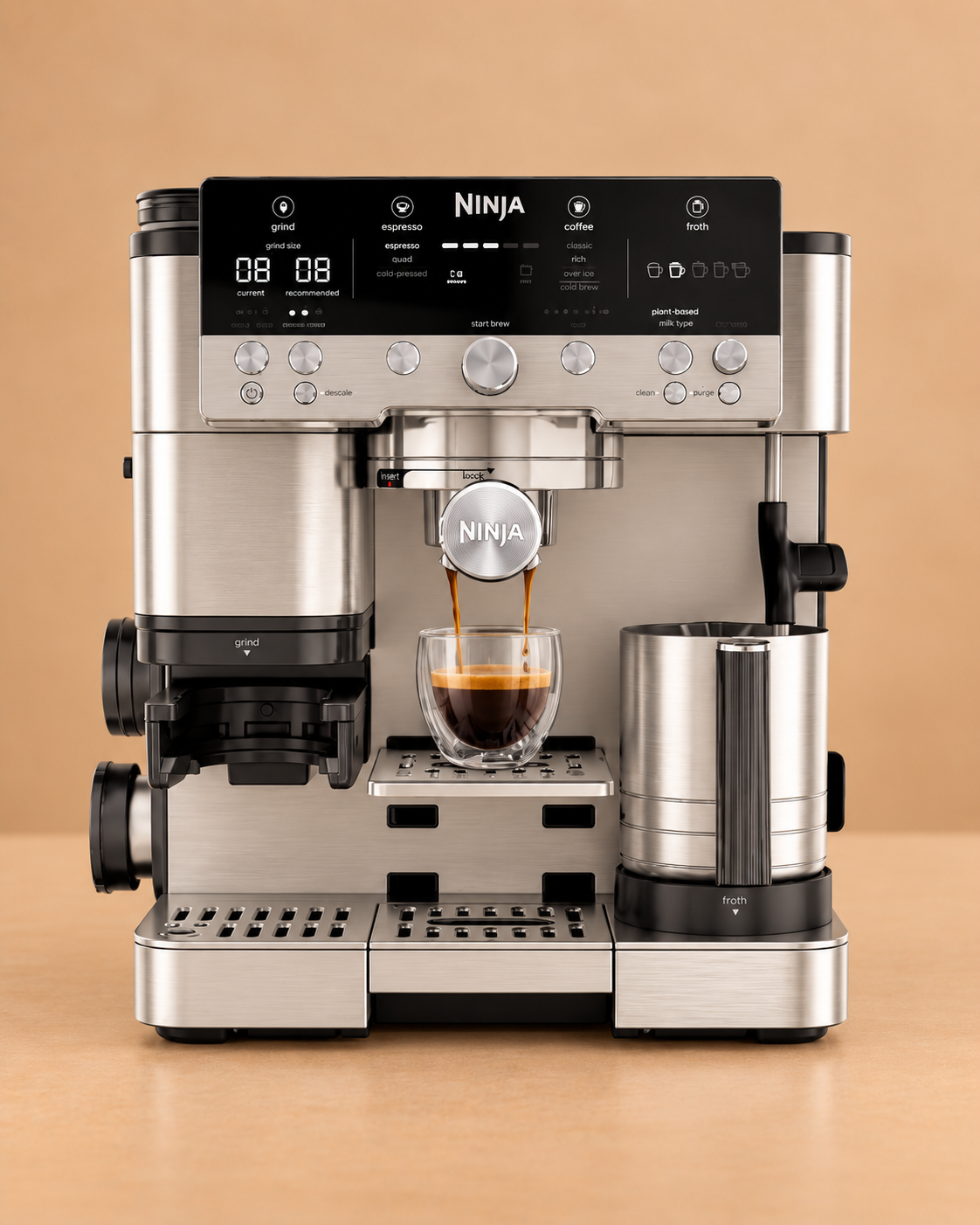


Basket & portafilter
Remove grounds and wash the user-removable coffee-contact parts.
Ninja Luxe Café Premier Plus
Premier Plus keeps the same core maintenance split as the Luxe Café family: coffee-oil cleaning through a tablet CLEAN cycle, mineral-scale care through DESCALE, plus routine froth-system, grinder and water care.
Maintenance schedule
Use the machine’s own prompt sooner whenever it asks for maintenance. Water hardness and usage can also change the practical timing.
Keep this maintenance schedule, reminders, history and available guides with the machine instead of remembering the next job yourself.
Remove grounds and wash the user-removable coffee-contact parts.
Wipe the wand promptly and clean the removable milk-contact parts.
Run the cleaning-disc and tablet programme for coffee oils and group-head residue.
Run the model-specific descale programme and all requested fresh-water flushes.
Keep the fitted filter on its replacement schedule.
Brush loose dry coffee residue away and empty the drip tray before programmed maintenance.
Your machine is already selected. Add local water hardness and typical use without choosing the manufacturer or model again.
Coffee-oil cleaning
Use the Ninja cleaning disc and one espresso cleaning tablet through the programmed CLEAN routine, not through the water tank.
Make space for the water discharged by the cleaning programme.
Fill to the normal maximum level without adding descaler.
Place the cleaning disc above the basket in the portafilter.
Put one espresso cleaning tablet in the centre of the cleaning disc.
Make sure it is fully secured before starting the programme.
Use the ES655UK CLEAN control and start command shown by the machine.
Do not interrupt the cleaning and discharge stages.
Rinse the portafilter, disc and tray and confirm the tablet has dissolved before returning to normal use.
Mineral scale care
Keep mineral-scale care separate from the cleaning-tablet cycle.
Begin with enough capacity for the water discharged during the programme.
Do not leave a replaceable filter in the reservoir if the ES655UK instructions tell you to remove it for descaling.
Use the correct dose and fill level for the exact model and descaling product.
Prepare the group-head and steam-wand outlets for the programmed discharge.
Use the ES655UK DESCALE control and follow the machine prompts.
Do not interrupt the descale or requested rinse stages.
Clean the reservoir and removable parts before completing the fresh-water flushes.
Refit or replace the filter after descaling where appropriate.
Incoming water care
Filtration sits alongside descaling; it does not replace a descale cycle already requested by the machine.
Take the used filter out of its housing without forcing it.
Prepare the new filter according to the filter instructions.
Reinstall the filter housing correctly in the reservoir.
Track the installation date for the next replacement.
Milk-system care
The Premier Plus adds an extra froth preset, but the care principle remains prompt removal of milk residue from user-cleanable parts.
Remove visible milk residue before it dries.
Let the machine flush the inside of the wand.
Wash removable milk-contact components as directed by Ninja.
If froth performance changes, inspect user-cleanable milk components before assuming a machine fault.
Dry coffee care
Use dry brushing on user-accessible grinder areas and keep moisture away from the burr mechanism.
Empty the hopper if you need access to user-removable grinder parts.
Use a dry brush on accessible grounds and residue.
Only wash parts Ninja explicitly marks as washable.
Refit all parts before grinding coffee again.
Premier Plus shares the Luxe Café cleaning architecture, but use the ES655UK instructions if a control, fill level or accessory differs from the Premier/Pro series.
Relevant Ventori care
Ninja sells espresso cleaning tablets for the ES655UK family. Ventori Backflush is positioned for the coffee-oil CLEAN cycle; Ventori Descaler is for the separate mineral-scale programme.