Machine guides / Philips / 4300
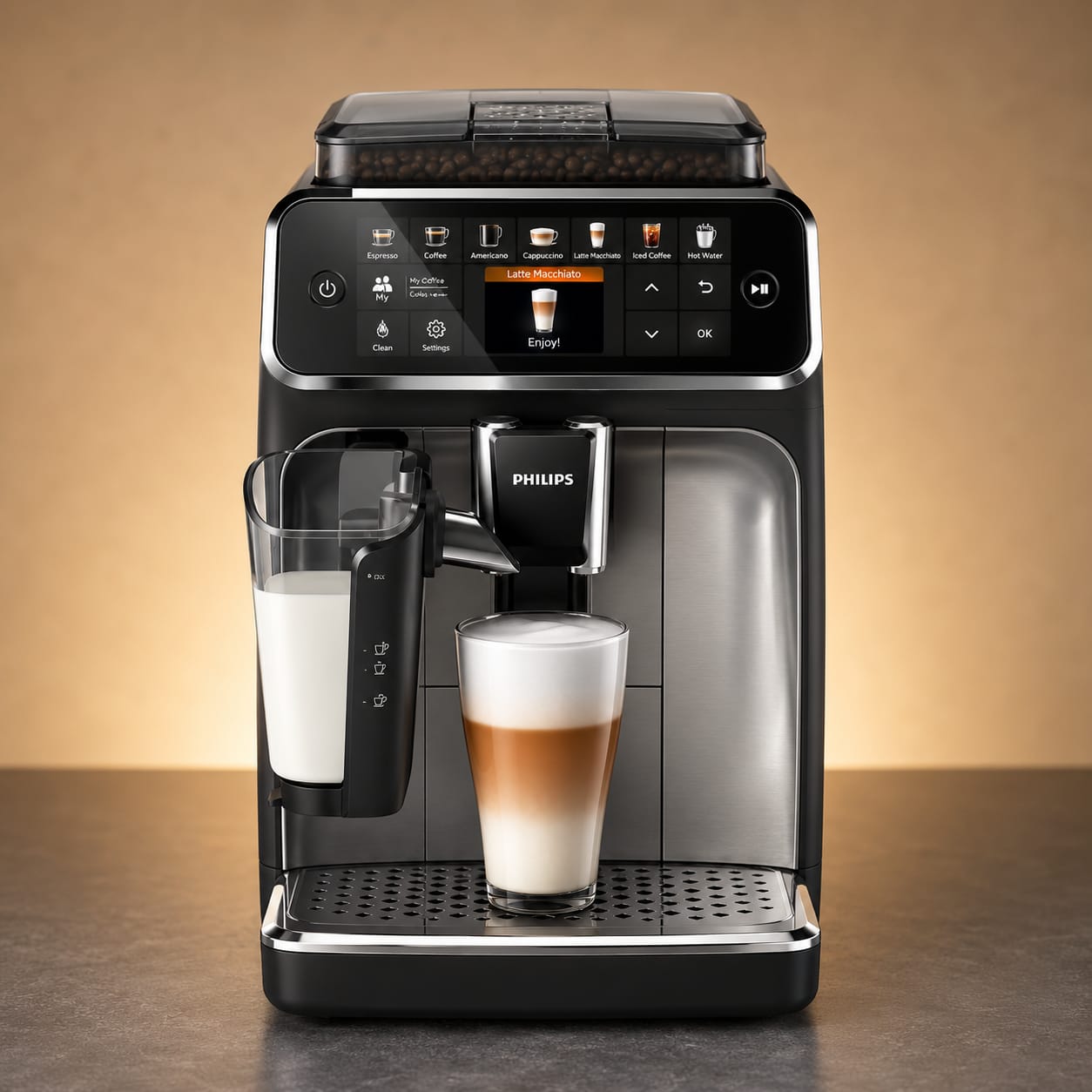
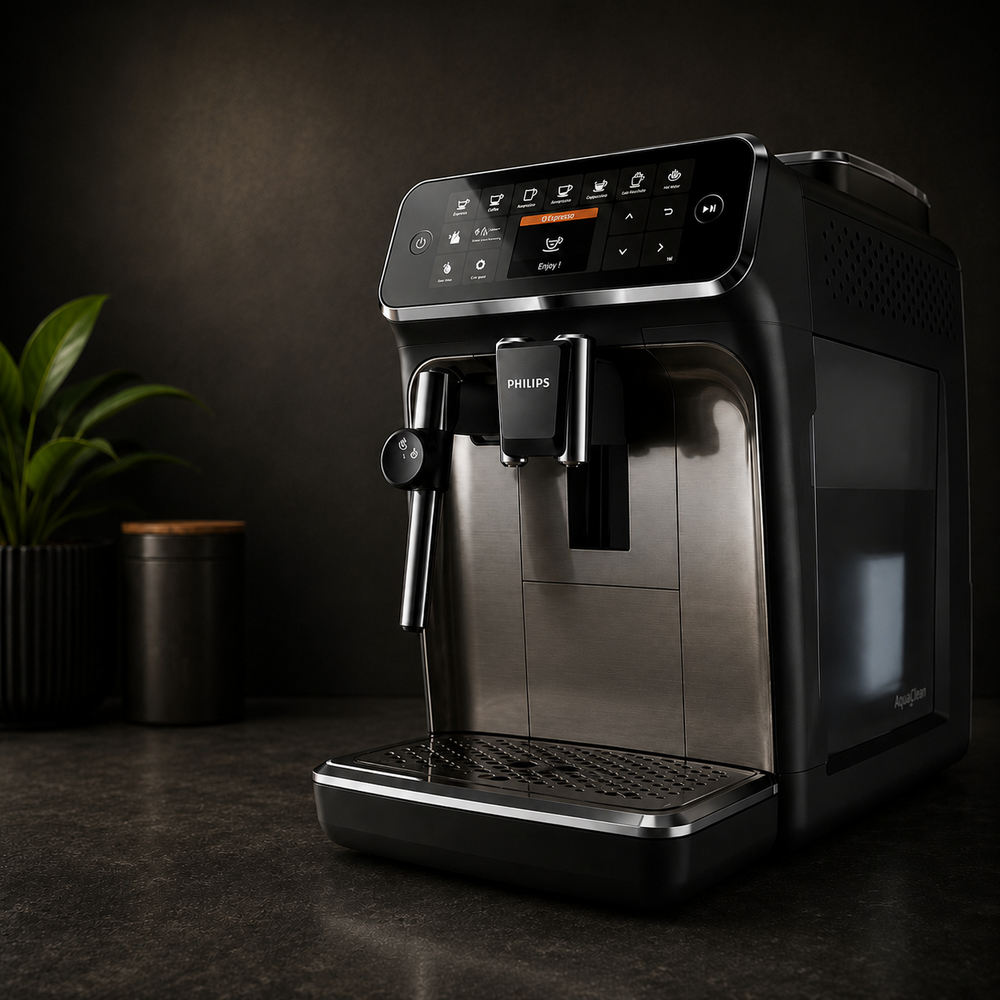
Philips 4300 Series
Philips 4300 maintenance, made easier to follow.
Use the schedule for the overview, then follow the illustrated steps or quick videos when it is time to carry out the job.



Quick video guides
Watch the job before you start it.
Three short guides cover the most common Philips 4300 maintenance tasks.
How to remove and clean the brew group
How to activate AquaClean
Maintenance schedule
The useful baseline.
The 4300 handles several jobs through its display, so machine prompts should take priority where they appear.
Drip tray & grounds
Empty as needed and keep both areas clean.
Brew group
Remove, rinse with lukewarm water and let it dry.
Coffee-oil clean
Run the Brew group clean programme from the Clean menu.
Lubrication
Lubricate more often when the machine is used heavily.
AquaClean
Replace and activate the new filter in the machine.
Descaling
Use the 4300 descaling programme and complete the full rinse.
Personalise this schedule
Track this machine in Ventori Care ↗Want Ventori to remember the Philips 4300 maintenance rhythm for you?
Your machine is already selected. Add your local water hardness and typical use to build a personalised Care Schedule without choosing the manufacturer or model again.
Weekly care
Clean the Philips 4300 brew group.
01
Switch the machine off
Use the normal power button and wait for shutdown to finish.
02
Remove the water tank
Lift out the tank so the service area is accessible.
03
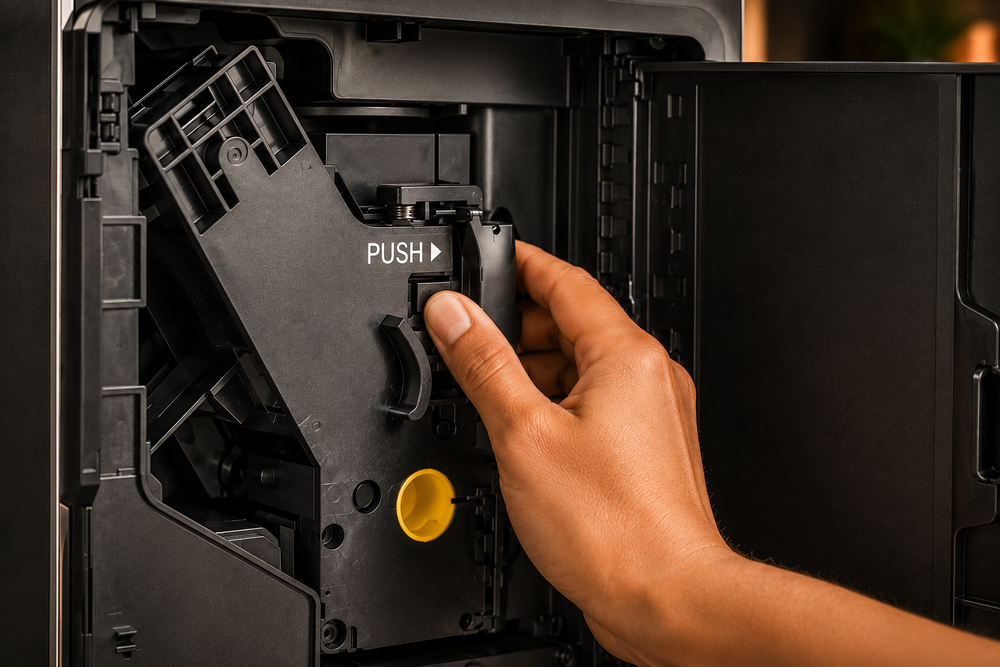
Remove the brew group
Open the service door, press PUSH and draw the group out.
04
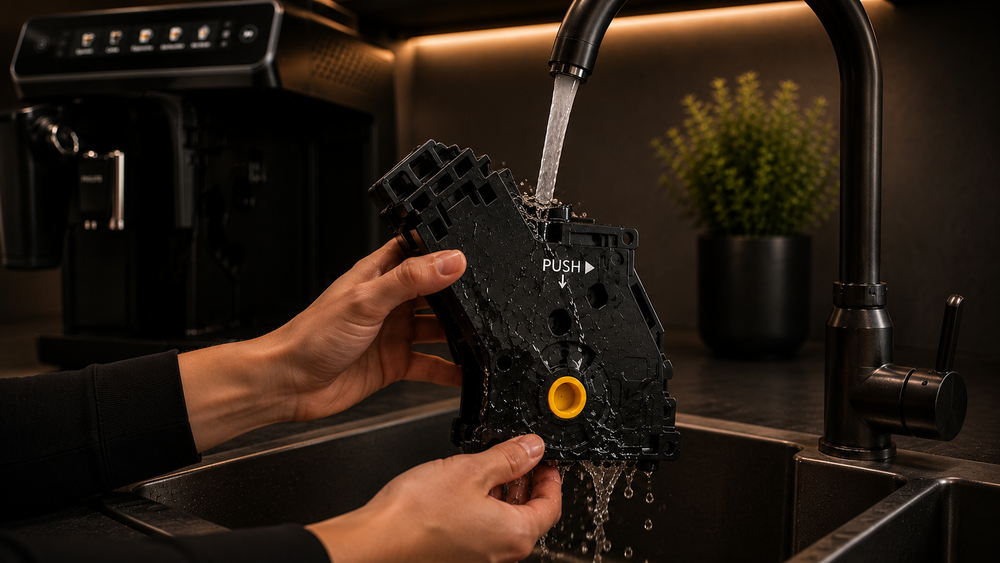
Rinse thoroughly
Use lukewarm water and clear visible coffee residue.

05
Let it air-dry
Drain excess water and let the brew group dry naturally.
06
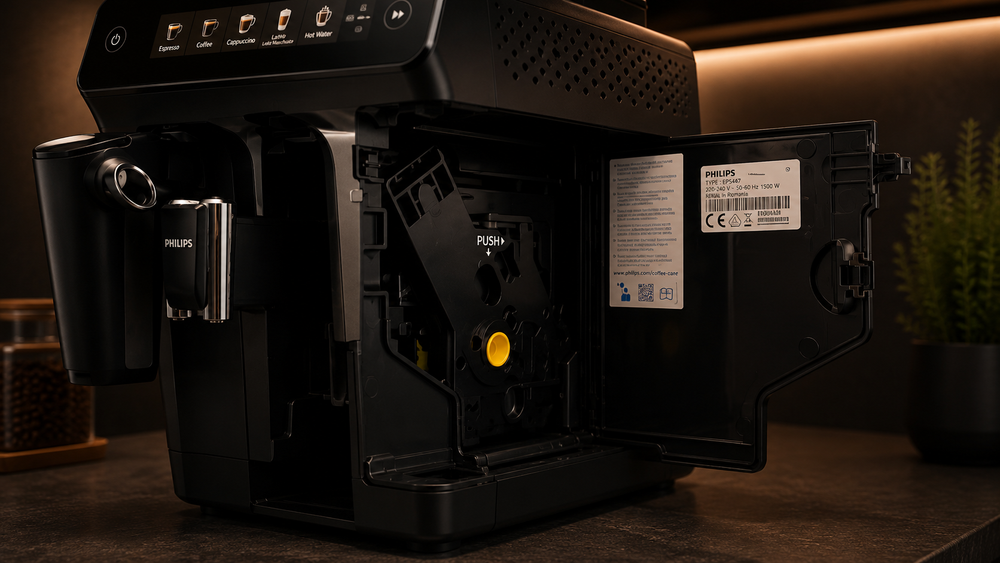
Reinstall
Slide the brew group back in securely and refit the tank.
If the brew group will not release, do not force it. Let the machine complete a normal power cycle, then try again.
Water filtration
Replace and activate AquaClean.
Installing the filter physically is only half the job — the machine also needs to know the new filter is fitted.

01
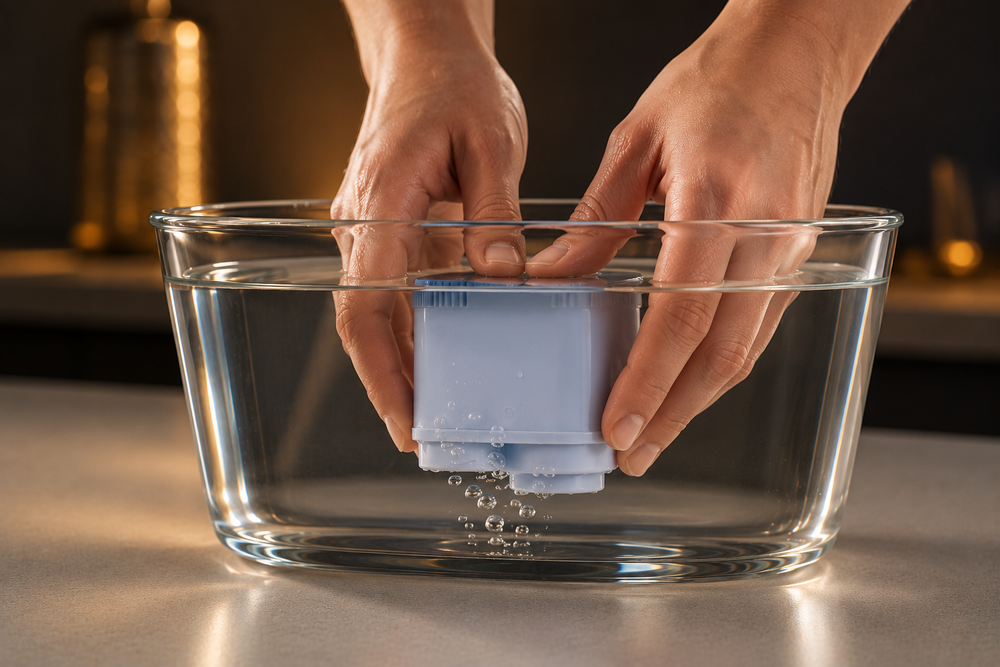
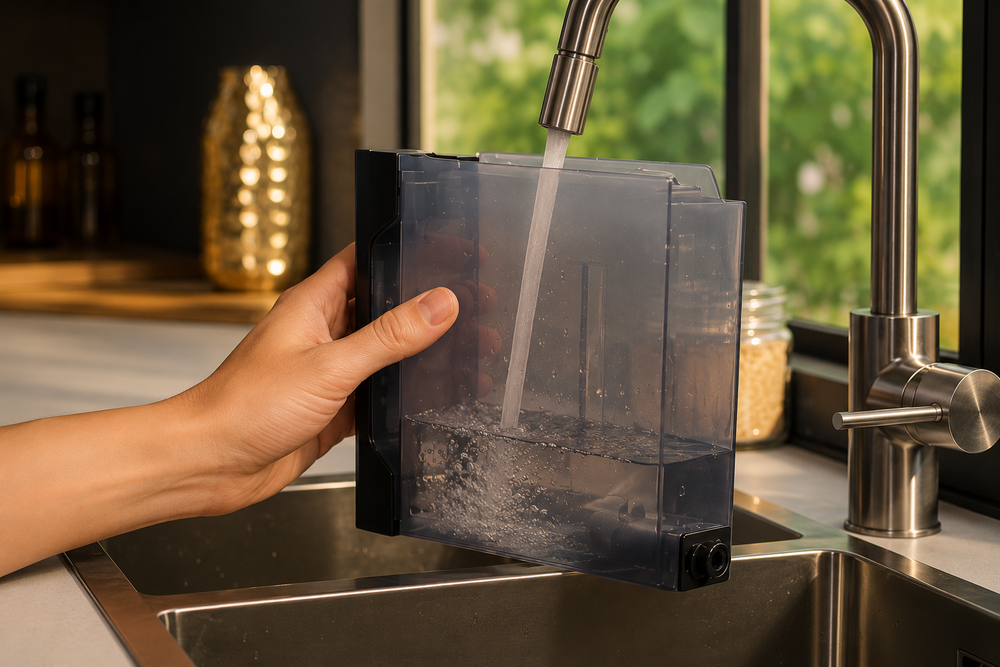
Prepare the new filter
Shake it, then prime it upside down in cold water.
02
Install it in the tank
Push the filter firmly onto the tank connection.
03
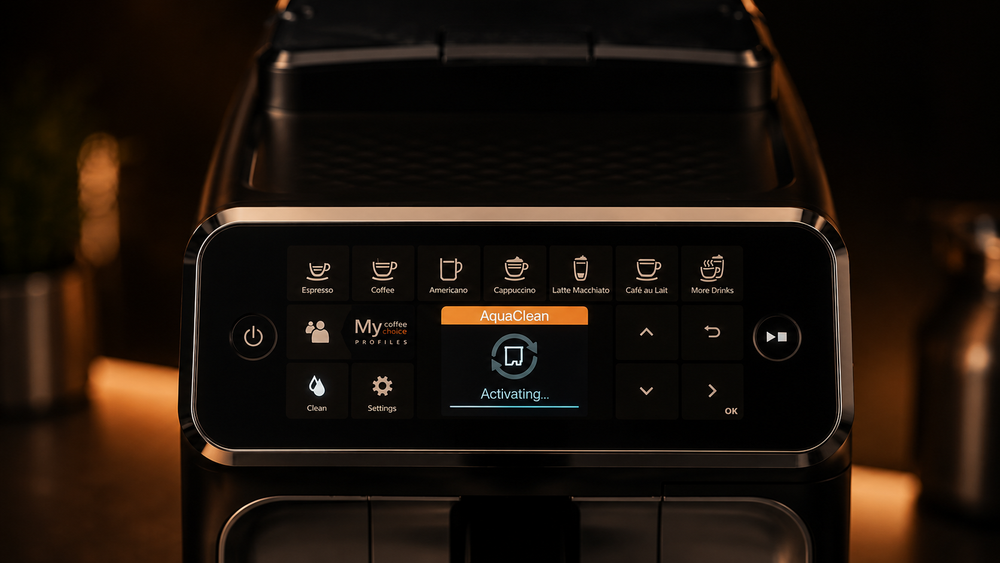
Open AquaClean settings
Use Settings on the machine and select AquaClean.
04
Activate the filter
Confirm the new filter and follow the on-screen prompts.

05
Watch filter status
Replace it when the machine asks and reactivate the replacement.
If the machine requires descaling before it will accept a new filter, complete the descale cycle first.
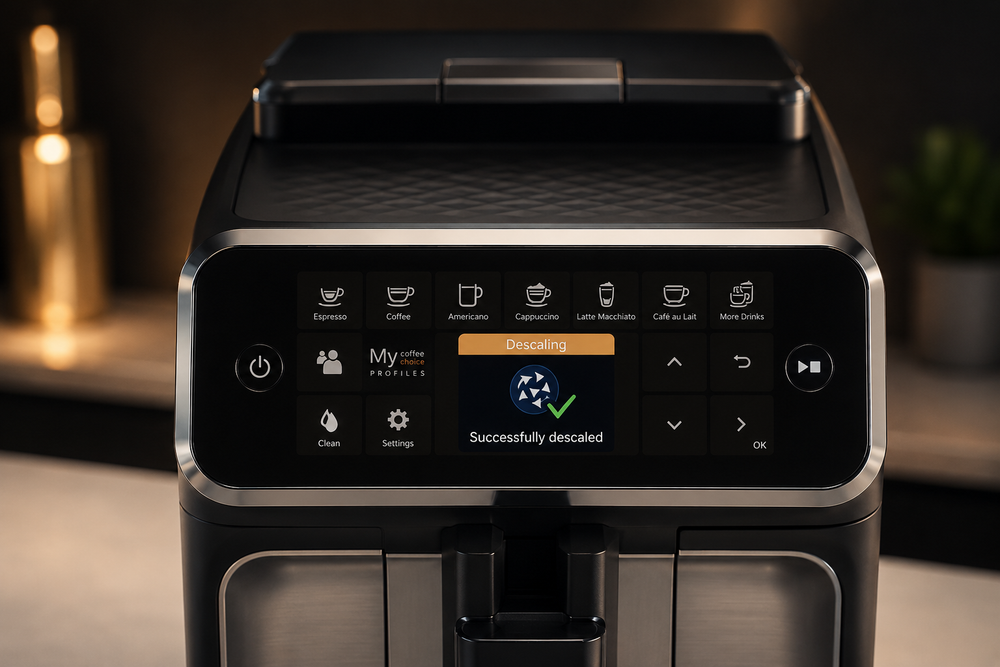
Display-guided descaling
Descale the Philips 4300.
The 4300 guides the process through the Clean menu, including the final rinse.
01
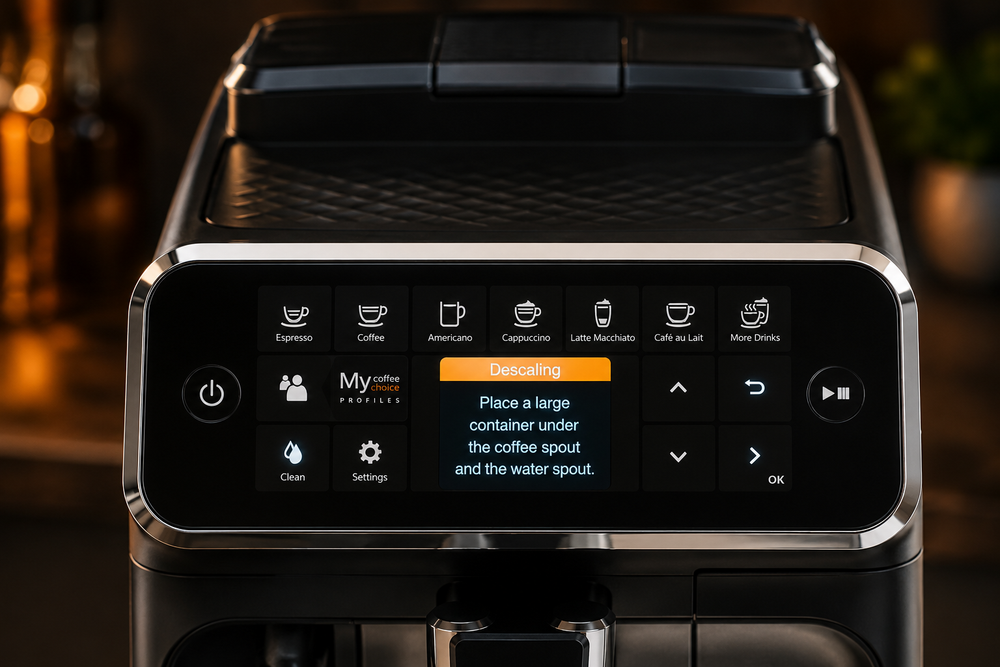
Select Descaling
Open Clean, choose Descaling and follow the display.
02
Prepare the machine
Remove milk parts, then empty and refit the drip tray and grounds box.
03
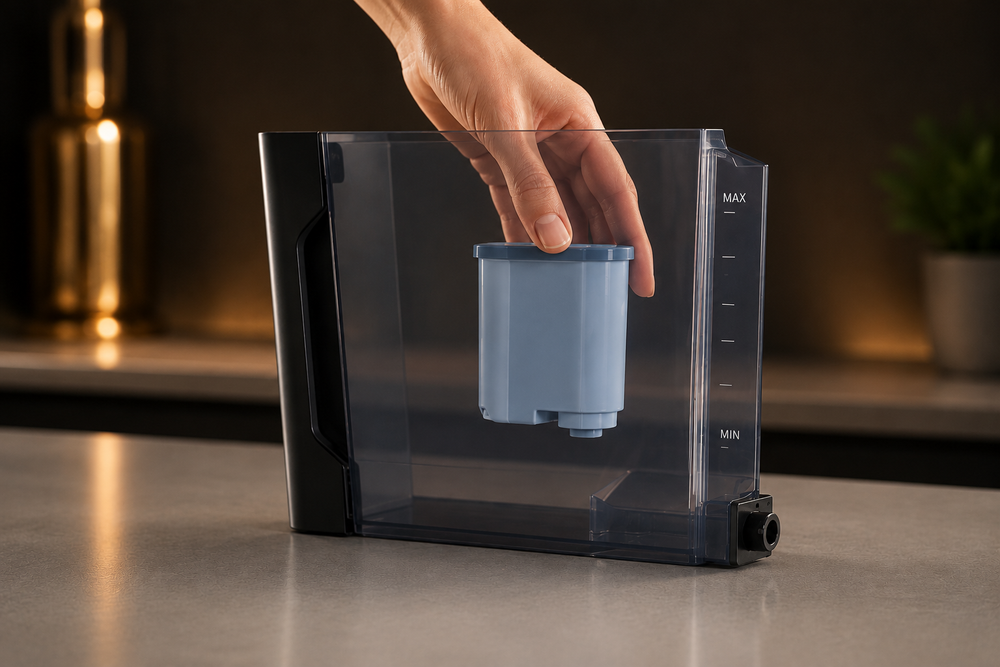
Remove AquaClean
Take the filter out before starting the descale cycle.

04
Prepare the tank
Add descaler at the correct dose and fill to the required level.
05
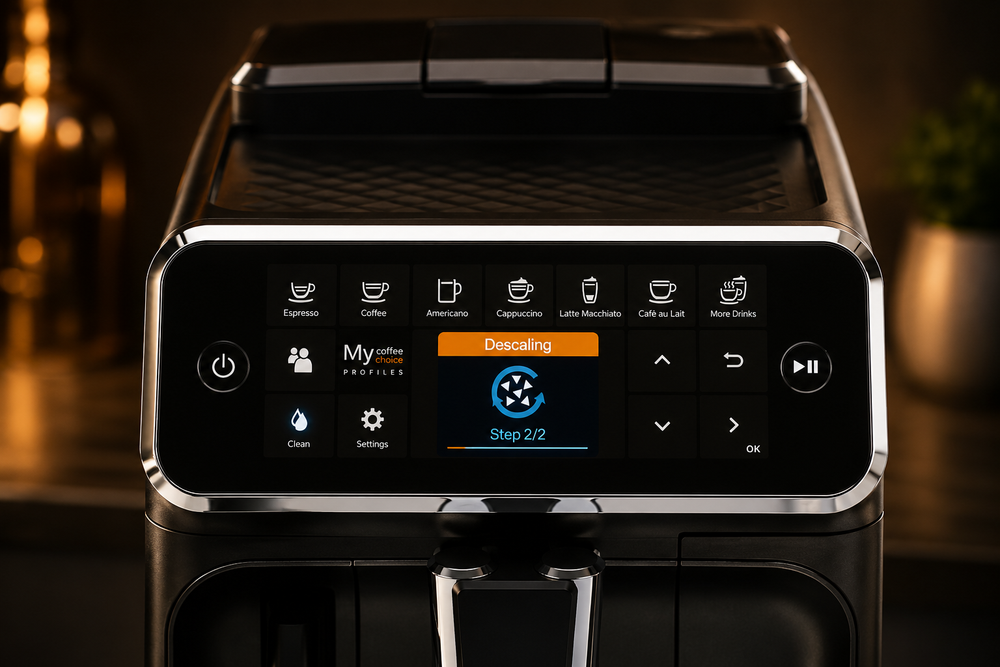
Place a large container
Put at least a 1.5 litre container under the outlets and start.
06
Complete the rinse
Refill with fresh water when prompted and let the rinse finish.
07
Restore normal setup
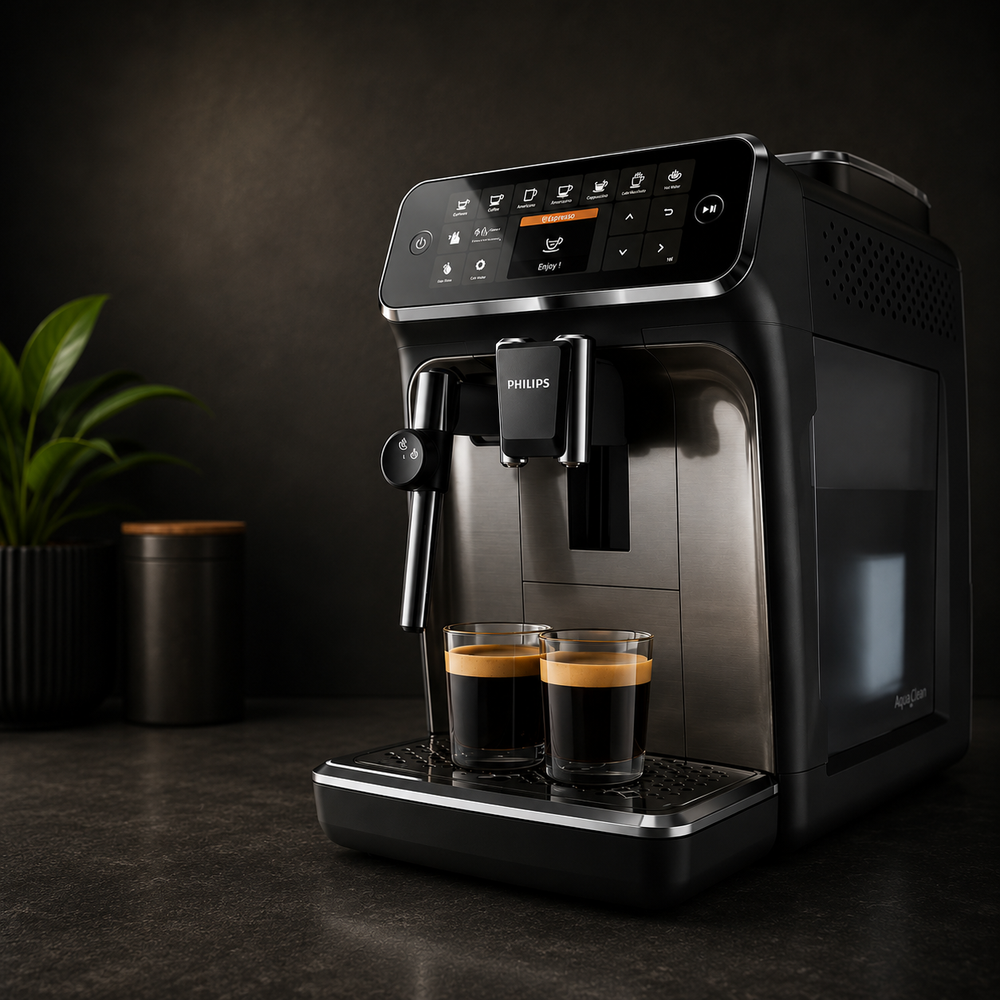
When complete, refit and activate filtration if you use AquaClean.
Monthly deep clean
Run the coffee-oil cleaning programme.
Philips uses the Clean menu to guide this job on compatible 4300 machines. Follow the display rather than trying to memorise a long manual sequence.

COFFEE-OIL CAREUse the machine's Brew group clean programme.
Open the Clean menu
Switch the machine on, tap the Clean icon and choose Brew group clean.
Confirm the programme
Select the cleaning programme and confirm it on the display.
Follow the screen
Use the coffee-oil cleaning tablet when prompted and let the machine complete the programme.
Finish with the brew group
After the programme, keep the removable brew group rinsed and fully dry before refitting.
The screen prompts are the primary reference during the cleaning cycle. If your 4300 variant presents different wording, follow the machine display.
Understand the care task
Relevant Ventori care
Match the product to the maintenance job.
Descaler handles mineral build-up. Bean-to-cup cleaner handles coffee residue. Water filtration sits alongside both.