Barista Express
Current ClaroSwiss listed from batch 1735 and later.
Sage water filter guide
Check the filter system your Sage machine uses, prepare the cartridge correctly and keep filter replacement separate from descaling.
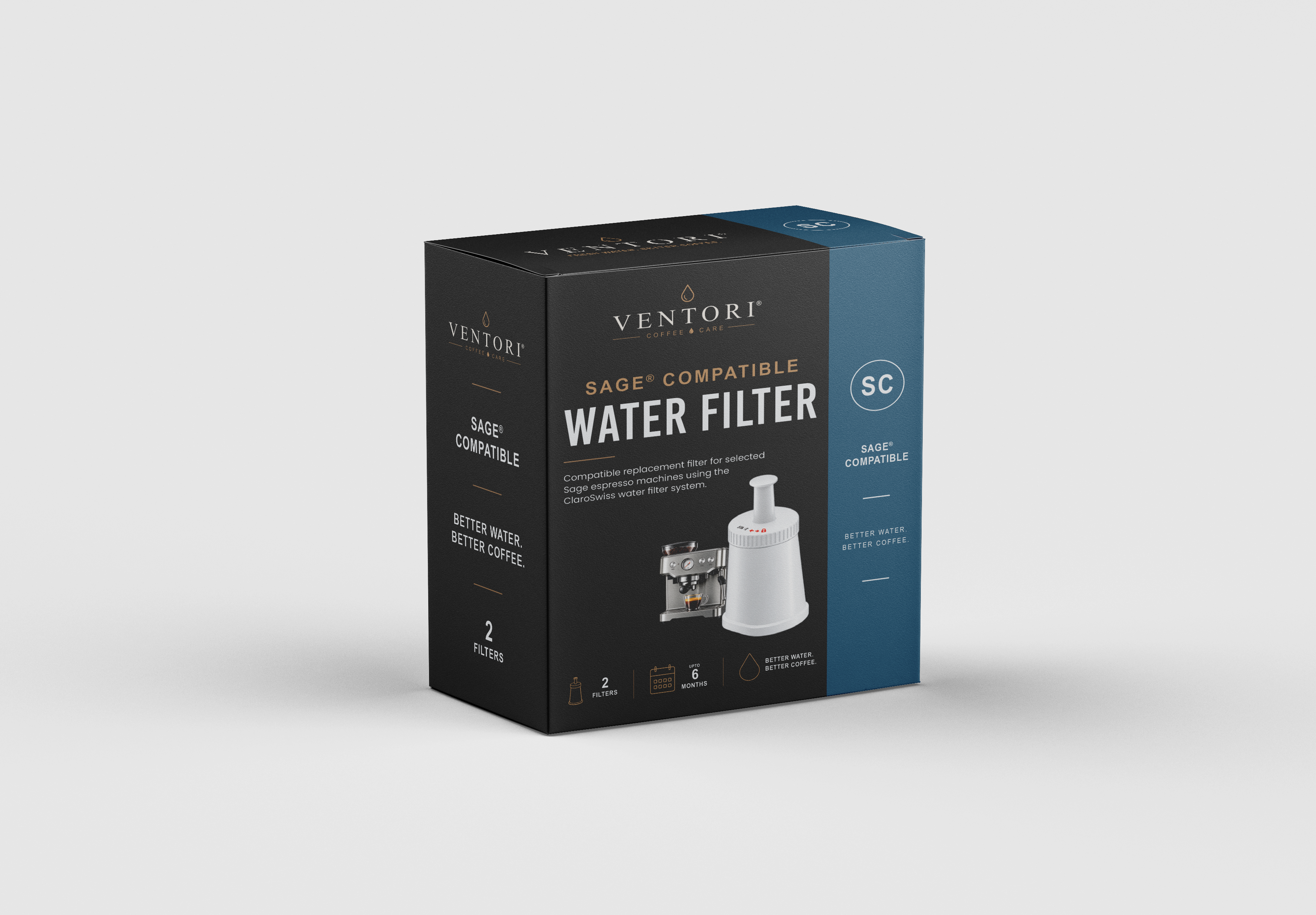
Compatibility first
For several older models, Sage specifies a production-batch cut-off. If your machine is older, check the batch code and existing filter holder before buying a replacement.
Current ClaroSwiss listed from batch 1735 and later.
Current ClaroSwiss listed from batch 1738 and later.
Current ClaroSwiss listed from batch 1749 and later.
Current ClaroSwiss listed from batch 1750 and later.
Common Sage method
This is the common sequence used across current Sage espresso-machine manuals. Use the exact machine guide if your holder or on-screen setup differs.
Open one new ClaroSwiss cartridge and keep any spare cartridge sealed until it is needed.
Place the cartridge in clean cold water for about five minutes before fitting it.
Rinse the reusable filter holder with cold water before installing the replacement cartridge.
Insert the cartridge into the holder and make sure the holder parts are connected securely.
Align the holder with the tank adapter and push it into place without forcing it.
Fill with fresh cold water and return the tank fully to the machine. Complete any model-specific confirmation if your machine asks for it.
Replacement timing
Sage's current ClaroSwiss guidance says to replace the filter every 90 days for optimal results. Some model manuals also reference 40 litres and recommend more frequent replacement in harder water.
Set the holder reminder when the cartridge is fitted.
Some Sage manuals specify 90 days or 40 litres, whichever comes first.
Follow your exact machine manual if it recommends a shorter interval.
Machine-specific guidance
The cartridge preparation is similar, but filter holders, reminders and surrounding maintenance routines vary.
Until the final product is live, this hub stays focused on compatibility and the correct machine procedure rather than pushing a replacement that is not yet available.
Sage filter questions
Use 90 days as the normal replacement interval. Some Sage manuals also reference a 40 litre interval, and hard-water conditions can justify replacing it sooner.
No. Filtration reduces scale risk, but it does not remove mineral deposits already inside the machine. Follow the descale prompt and your exact Sage model guidance.
Current ClaroSwiss compatibility is broad, but older Barista Express, Duo-Temp Pro, Dual Boiler and Oracle machines have batch-code cut-offs. Check the existing cartridge, holder and machine batch before ordering.
Do not add a generic extra flush step unless your exact model tells you to. Follow the installation sequence in the manual or on-screen setup for your machine.
Stop and compare the current cartridge, holder and machine batch code. An older machine may use a different filter system.
Build a free schedule around your Sage machine, local water hardness and typical use.